Threads
Social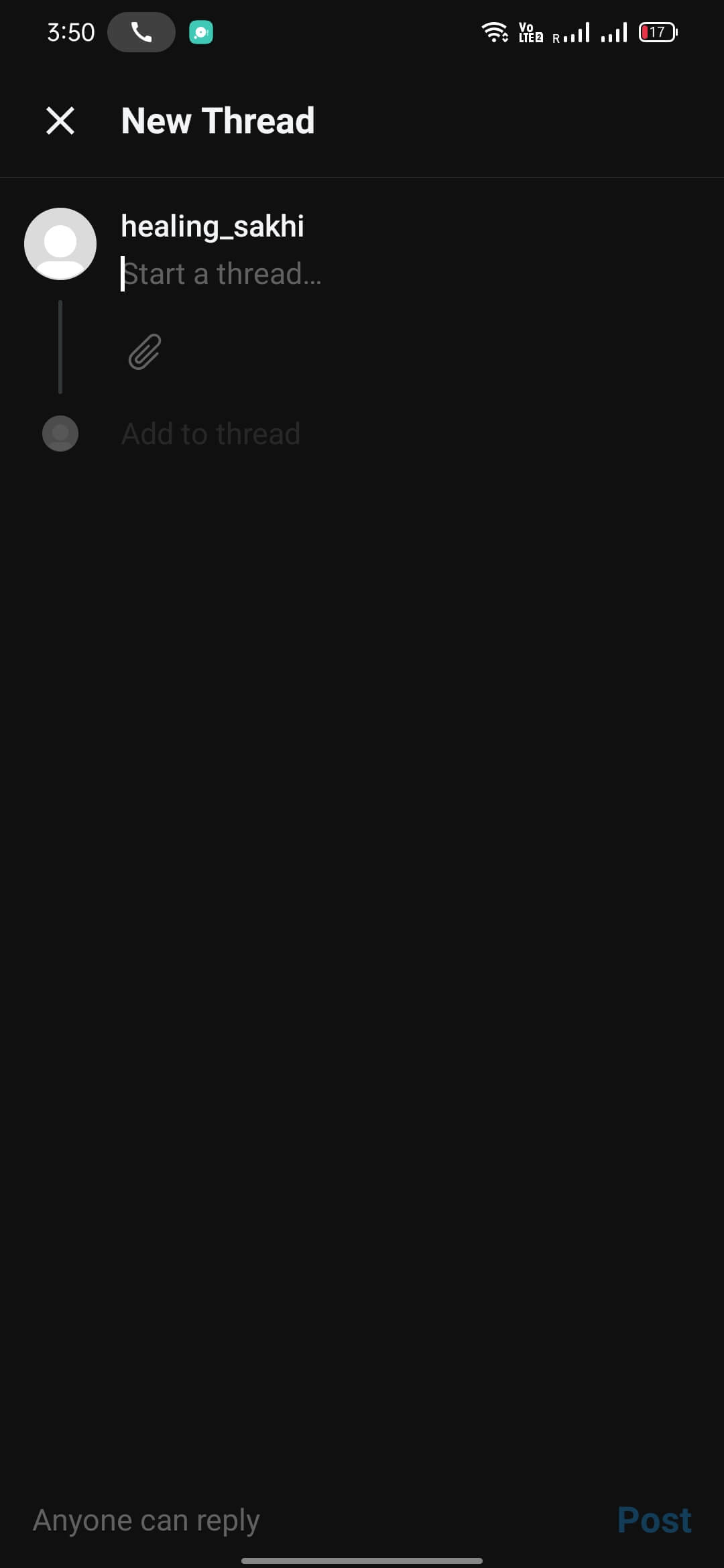
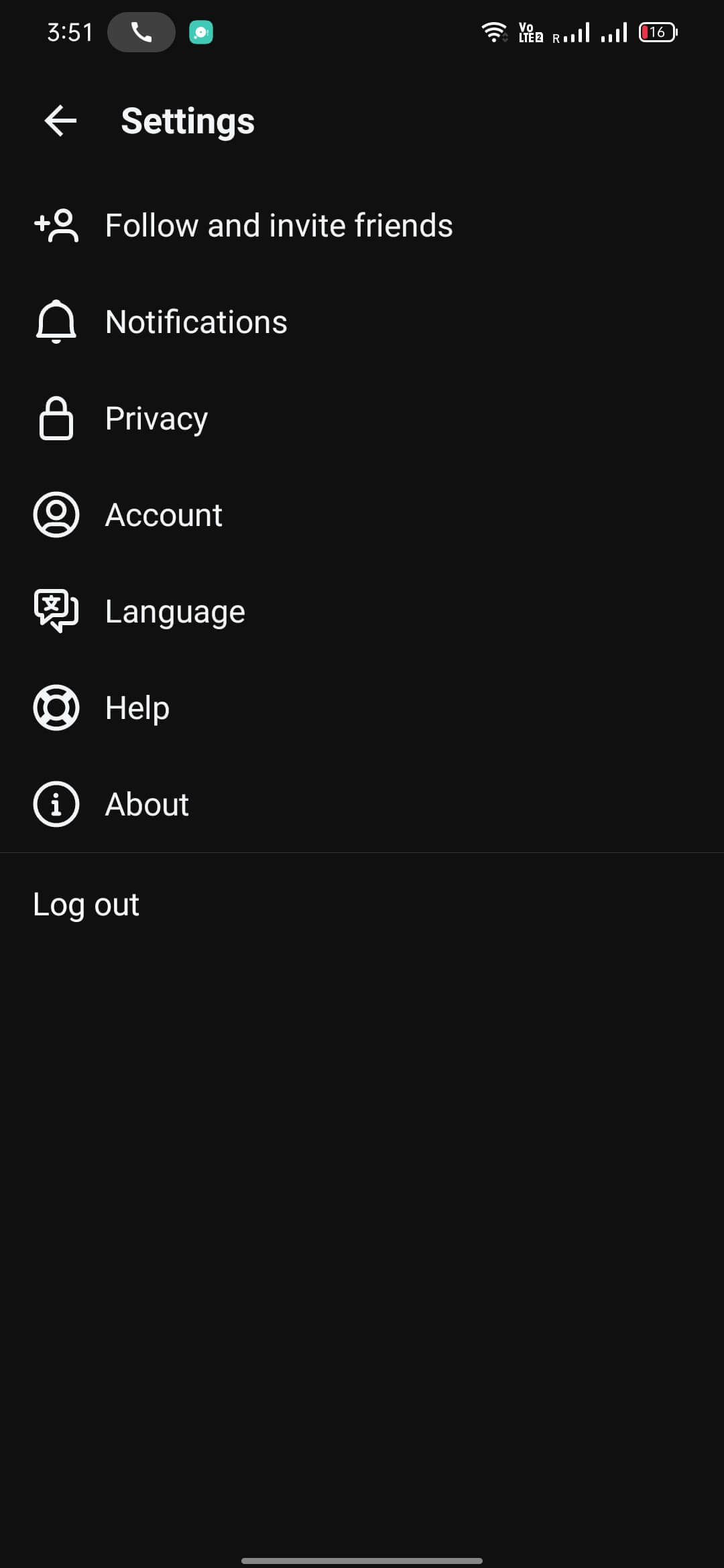
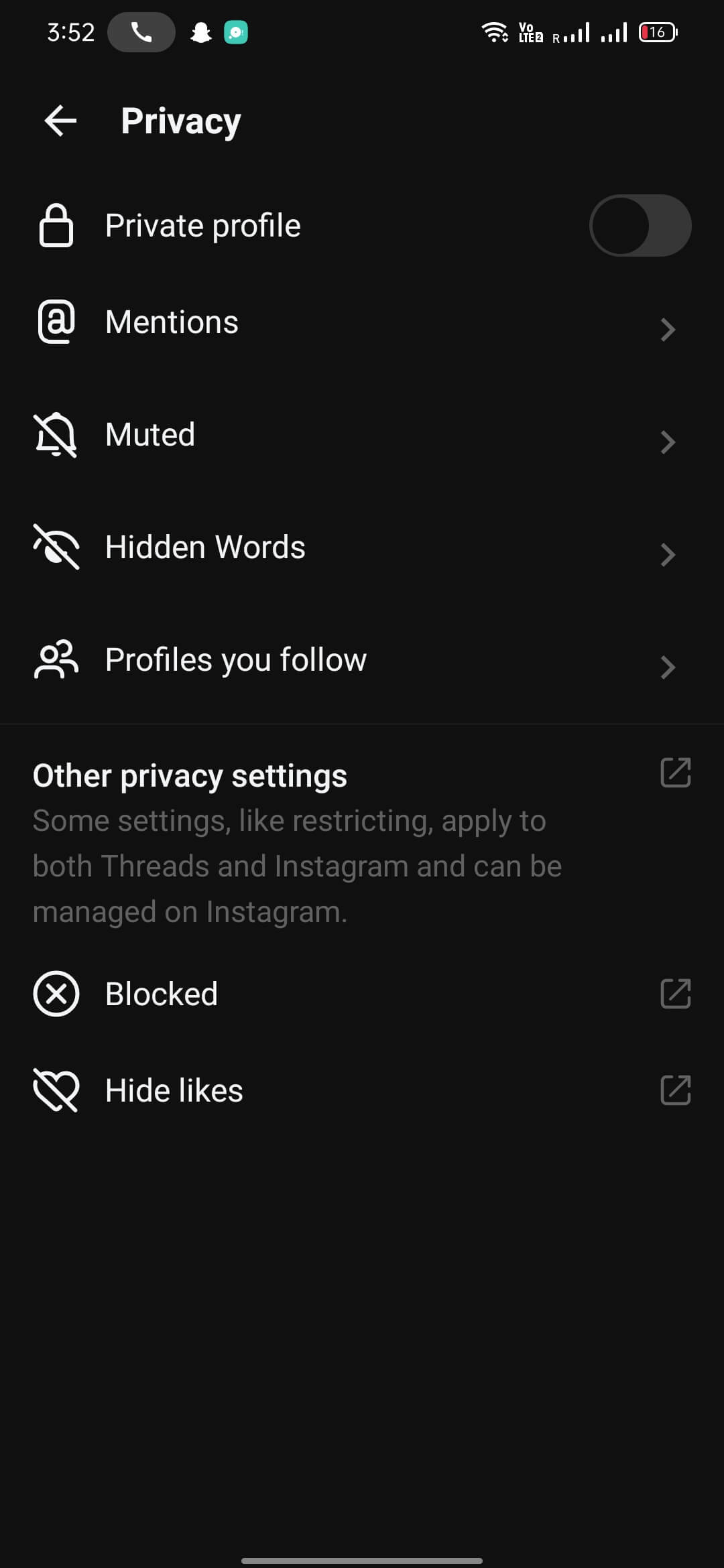
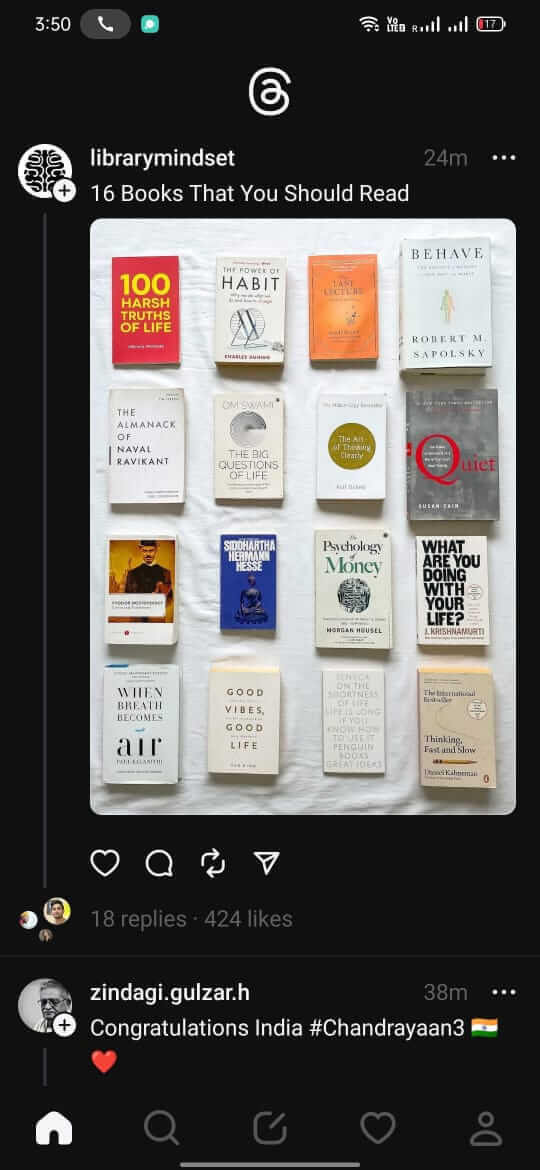
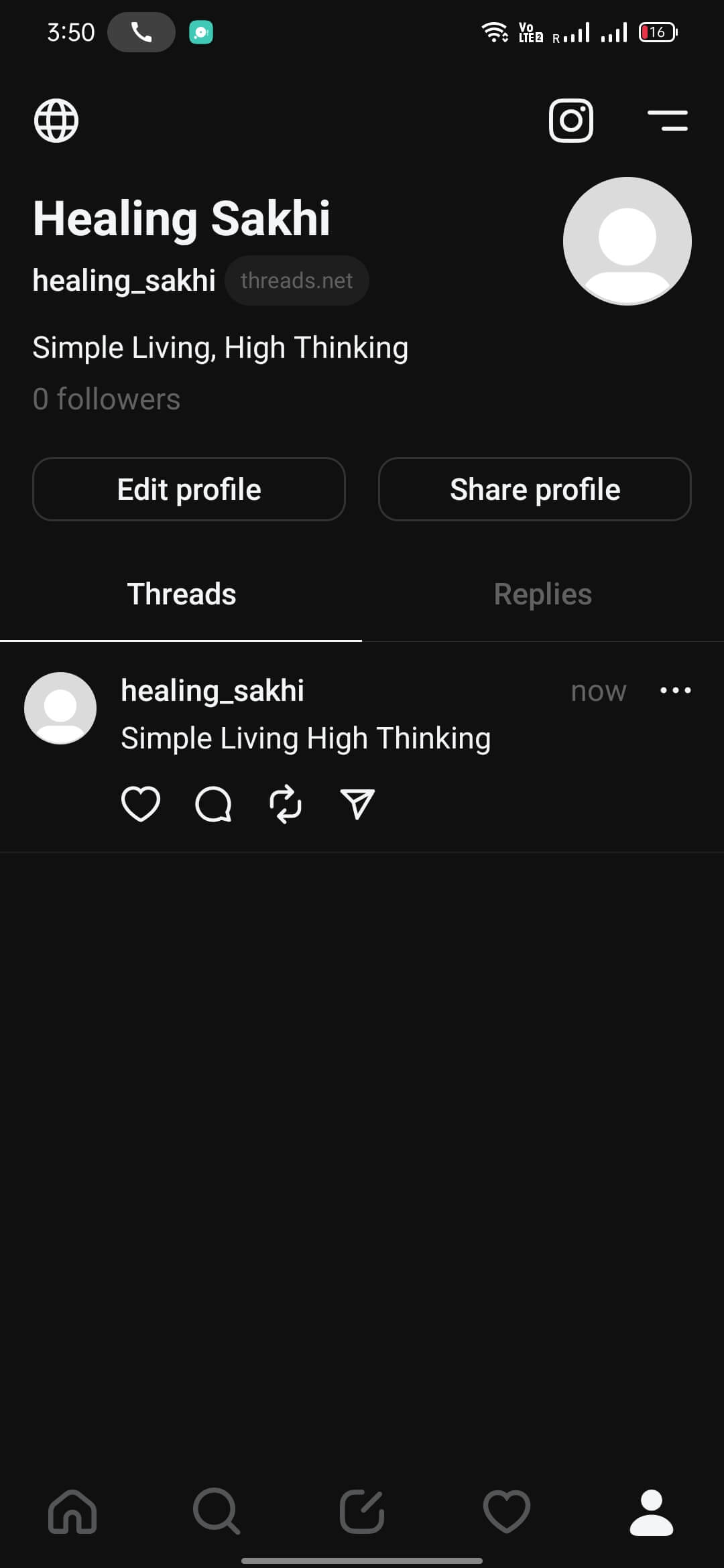

Threads is Instagram’s answer to short‑form, text‑focused social networking. It lets you sign in with your Instagram credentials and start posting brief updates, following friends, and discovering content in a timeline that feels similar to Twitter.
This page provides the latest official APK details, installation guide, basic troubleshooting, and a quick safety overview. All information is based on the current release as of 28 October 2026.
Quick Information
| App/Game Name | Threads |
| Latest Version | 454.0.0.0.65 |
| Developer | Not listed |
| Category | Apps / Social |
| App Size | 97.93 MB |
| Package Name | com.instagram.barcelona |
| Last Updated | 28 October 2026 |
What Is Threads?
Threads is a social media app designed for Android devices. After linking your Instagram account, you can create short posts, reply to others, and follow public profiles. The core experience mirrors the micro‑blogging style of Twitter while keeping the visual feel of Instagram. It targets users who already have an Instagram presence and want a streamlined text‑first platform.
Compatibility
| Android Version | ✓ Verified — Android 9.0 and later |
| Architecture (ARM64 / 32-bit) | ✓ Verified — Supports common device architectures |
| Internet Connection | ✓ Verified — May be required for ads, updates, or login |
| Storage Needed | Not Verified |
| OBB/Data Files | Not Verified |
| Root Required | Not Verified |
How to Install
- Enable Unknown sources in Settings > Security (or allow the specific file manager/browser you use).
- Download the Threads APK file to your device.
- Open the downloaded file and tap Install.
- Wait for the installation to finish, then launch Threads from the app drawer.
- Sign in with your Instagram credentials to start using the app.
Troubleshooting
- App not installed – Ensure you have allowed installations from unknown sources and that the APK file is complete (no corruption).
- Crashes on startup – Clear app data (Settings > Apps > Threads > Storage > Clear Data) and restart the device.
- Login or authentication issues – Verify that your Instagram account works in the official Instagram app; Threads relies on the same credentials.
- Features not loading – Check your internet connection and make sure you have sufficient storage (the app is ~98 MB).
Safety & Security
Threads is an official Instagram product, but installing it as an APK bypasses the Play Store’s automatic verification. Only download the file from a trusted source, review the permissions it requests, and avoid entering sensitive data if anything looks suspicious. Keep the app updated manually, as newer versions may contain security patches or compatibility fixes.
How Threads Compares
| Feature | Threads | ||
|---|---|---|---|
| Price / Model | Free (ad‑supported) | Free (ads) / Paid Blue | Free (ads) / Paid Subscriptions |
| Platform Availability | Android | Android, iOS, Web | Android, iOS, Web |
| Standout Feature | Instagram‑linked short posts | Real‑time micro‑blogging | Visual photo/video sharing |
| Best For | Instagram users wanting text‑first updates | Quick news and public conversations | Photo‑centric social networking |
Alternatives
If Threads doesn’t fit your needs, consider these well‑known apps:
- Twitter – The original micro‑blogging platform for real‑time updates and public discussions.
- Instagram – Focuses on visual content; integrates Stories, Reels, and direct messaging.
- Mastodon – A decentralized, open‑source alternative to Twitter with community‑run servers.
- Reddit – Organizes discussions into topic‑based communities, blending social feed with forum style.
Final Verdict
Threads offers a familiar Instagram login experience with a streamlined, text‑first feed. It’s best suited for existing Instagram users who want a quick‑post platform without switching apps. The APK size is modest, but because it’s not distributed through the Play Store, you should verify the source and keep an eye on future updates. If you prefer a more established micro‑blogging service, Twitter or Mastodon remain solid choices.
Frequently Asked Questions
Only install the APK from a trusted source, review its permissions, and avoid entering sensitive data if anything looks unusual.
The specific minimum Android version is not listed, but the app runs on most modern Android devices.
Yes, Threads requires you to sign in with an existing Instagram account.
The APK is about 97.9 MB; ensure you have a little extra space for data and updates.
This can happen if installations from unknown sources are blocked, the APK is corrupted, or your device lacks sufficient storage.
Updates are not automatic; you’ll need to download and install newer APK versions manually when they become available.
No, Threads requires an active internet connection to load feeds, post updates, and sync with Instagram.
Go to Settings → Apps, find Threads, and tap Uninstall, or drag the app icon to the uninstall area.